One brightness for every accent
All eight syntax colours share one perceived lightness — L 78 in this variant. Hue tells you what a token is. Brightness never does.
A Zed theme for long nights
by CN-DESIGN
Cool slate greys, lit by eight saturated accents and led by one electric colour, Volt. Every syntax colour sits at the same perceptual lightness, so nothing outshouts its neighbour, the eye stops re-adapting every few characters, and hour nine feels like hour two.
The idea
Most themes pick vivid colours and live with the side effect: yellow is naturally brighter than blue, so a line of code flickers between loud tokens and quiet ones. Count Darcula removes the side effect instead of the vividness. Three rules do it.
All eight syntax colours share one perceived lightness — L 78 in this variant. Hue tells you what a token is. Brightness never does.
Each accent is pushed as far as a normal screen can show at that lightness. That is where the vibrancy comes from, without anything getting brighter.
No pure-white text, no pure-black background. Every text colour still clears the WCAG AA minimum of 4.5:1.
on the Dark canvas #241b21
Every accent at L 78, a contrast band of 6.56 to 7.53:1 — half of them past AAA.
The palette
Its own palette, with its own names. Each hue owns one slice of the wheel and one job in your code. Volt leads; the other seven keep time. Click any swatch to copy its hex.
Twelve steps on one hue — 272°, a cool slate with just enough chroma to keep the greys from reading as dead. Every surface in Zed is one of these.
Errors, warnings, info and success sit outside the syntax band, so a diagnostic never reads as code.
Learn it once and every file reads the same way — TypeScript, Rust, Python, CSS, Markdown. Your own variables stay the default text colour, and deliberately the quietest thing on screen.
Italics appear only where slant carries information colour cannot: comments,
parameters, attributes and this/self.
The variants
Two variants, one file. Dark and Light share every hue and every role; Light simply drops the whole band to one darker lightness so it holds its contrast on paper. Pick one to wear the whole page in it.
What's new in 2.0
Version 2.0 gives Count Darcula accents, names and colour roles of its own, and narrows its focus to one editor. Every token changed colour; none kept the one it had in 1.2. The slate greys underneath stay exactly as they were.
| Area | 1.2.0 | 2.0.0 |
|---|
| Token | Was | Now |
|---|
Dark values shown.
theme
block in your settings if you follow the system appearance. The Count Darcula name and the
mascot stay exactly where they were.
Accessibility
A swatch that passes on the canvas can still fail on a panel, in the terminal, or with alpha composited over whatever sits beneath it. So every text colour in the generated Zed theme is re-measured against the surface Zed actually draws it on. The build fails if anything drops below AA.
| Checked | What | Required |
|---|
Disabled, hidden and predictive text is deliberately quieter — WCAG exempts it, and an inline suggestion that met AA would read as code you had already written. Comments are not in that tier: a comment nobody can read is a comment nobody maintains. They recede through lower chroma and italics, not by going dim.
Install
Count Darcula is built for Zed. Both variants live in one theme file, generated from the same OKLCH palette as everything on this page. Drop it where Zed looks for themes, and you're done.
One file. Zed reloads themes as the file changes — no restart.
mkdir -p ~/.config/zed/themes
curl -o ~/.config/zed/themes/count-darcula.json \
  https://raw.githubusercontent.com/ChrisNicholson30/Count-Darcula-Theme/main/zed/themes/count-darcula.json
A git pull then keeps the theme current, live.
git clone https://github.com/ChrisNicholson30/Count-Darcula-Theme.git
cd Count-Darcula-Theme
ln -s "$PWD/zed/themes/count-darcula.json" \
  ~/.config/zed/themes/count-darcula.json
The only route that needs no path at all — use it on Windows.
zed/ is a valid Zed extension in its own right
(extension.toml plus themes/). In Zed,
open Extensions ▸ Install Dev Extension and choose the
zed/ folder of your clone. On Windows this is the route to
take: Zed keeps its config under %APPDATA%\Zed rather than
~/.config/zed, and the dev-extension flow sidesteps the path
entirely.
Zed lists both separately in its theme picker.
⌘ K then ⌘ T — or Ctrl K Ctrl T — and choose Count Darcula Dark or Count Darcula Light.
Switch between Dark and Light with the system appearance.
{
  "theme": {
    "mode": "system",
    "dark": "Count Darcula Dark",
    "light": "Count Darcula Light"
  }
}
Optional. The mono this page is set in, at the size the palette was tuned at.
{
  "buffer_font_family": "JetBrains Mono",
  "buffer_font_size": 13.5,
  "buffer_line_height": { "custom": 1.6 }
}
Using VS Code or Cursor? Support for them ended with 2.0. The 1.2.0 release stays in the repository's history if you want to keep using it there, but it won't receive the new palette.
Wallpapers
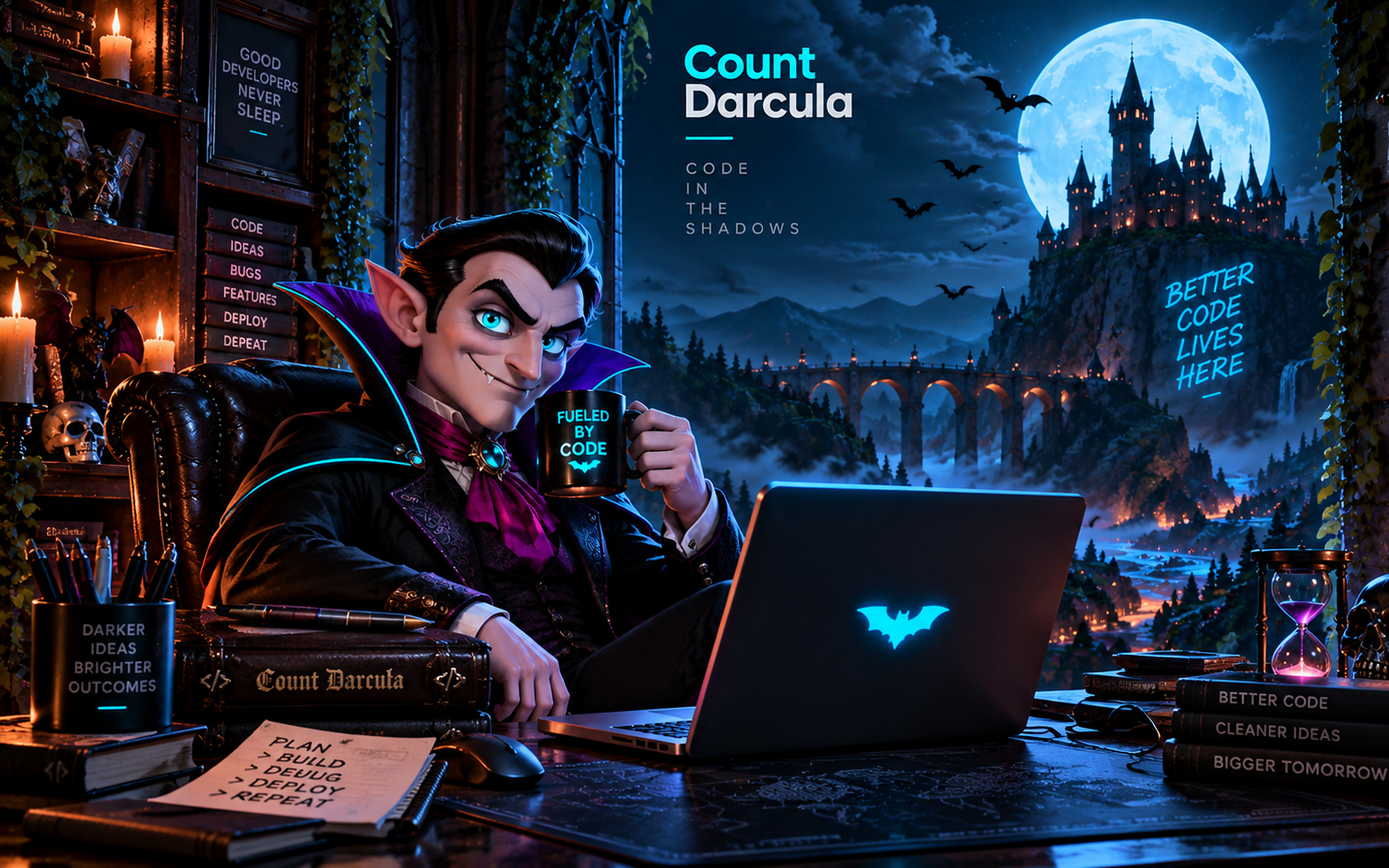
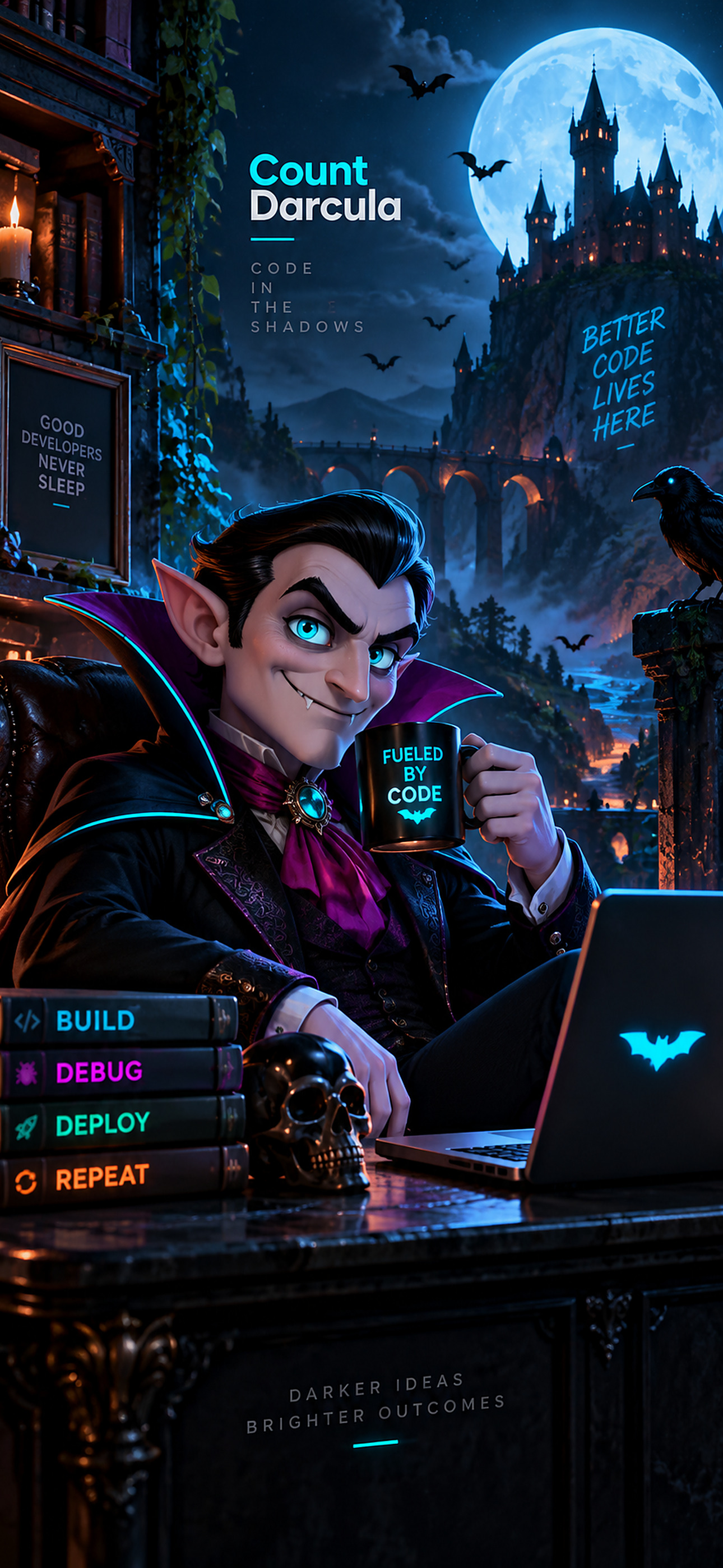
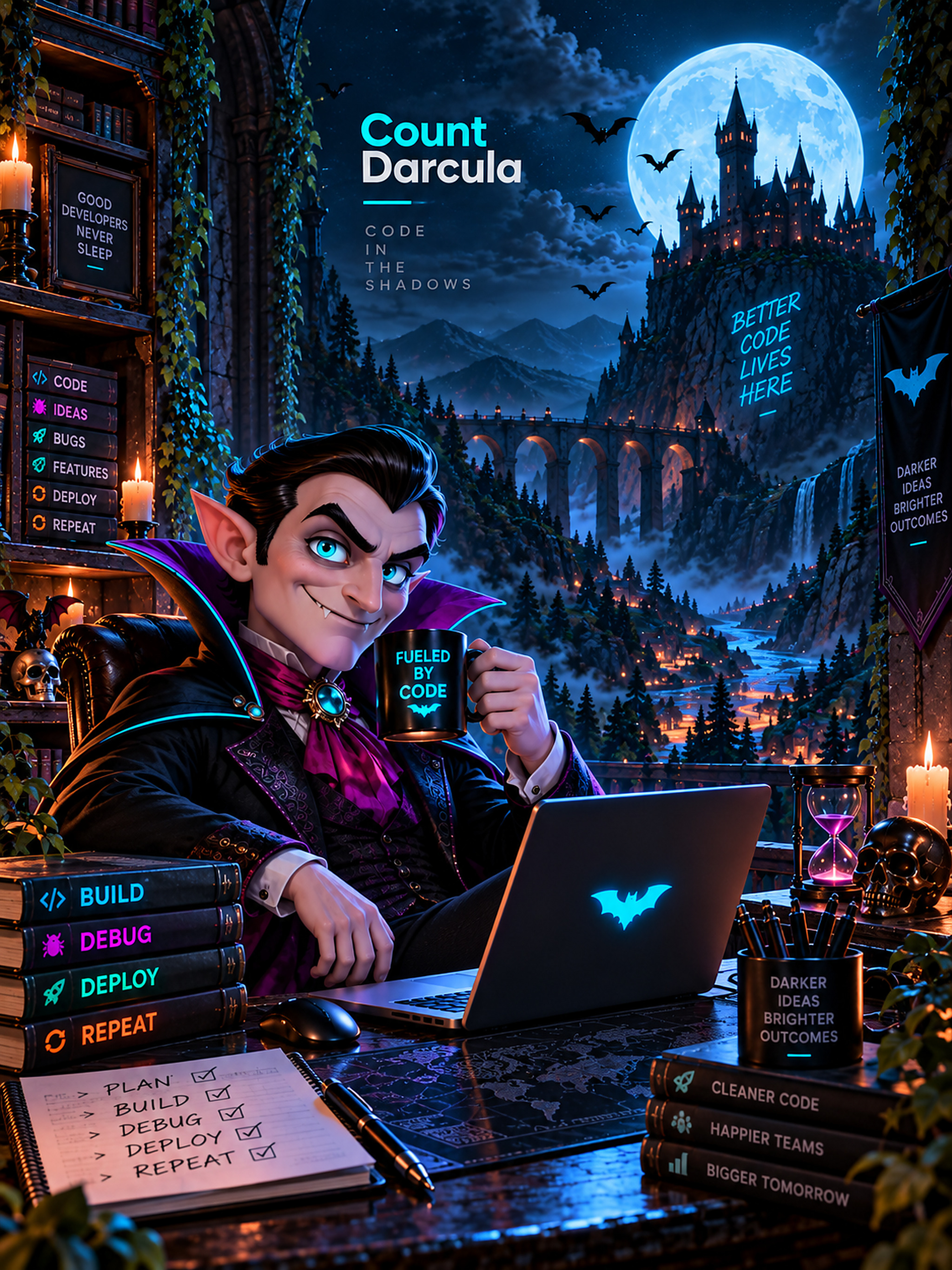
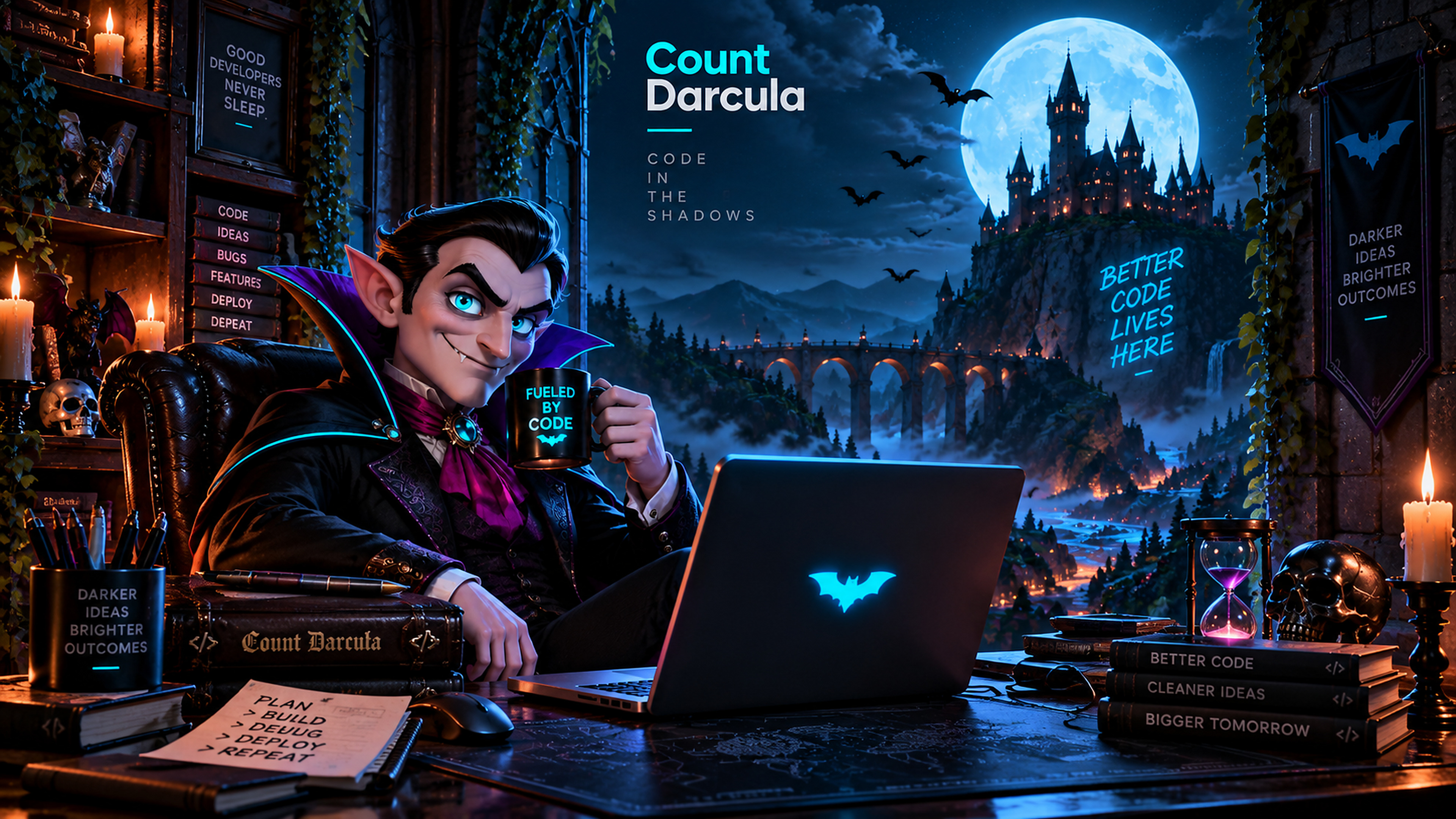
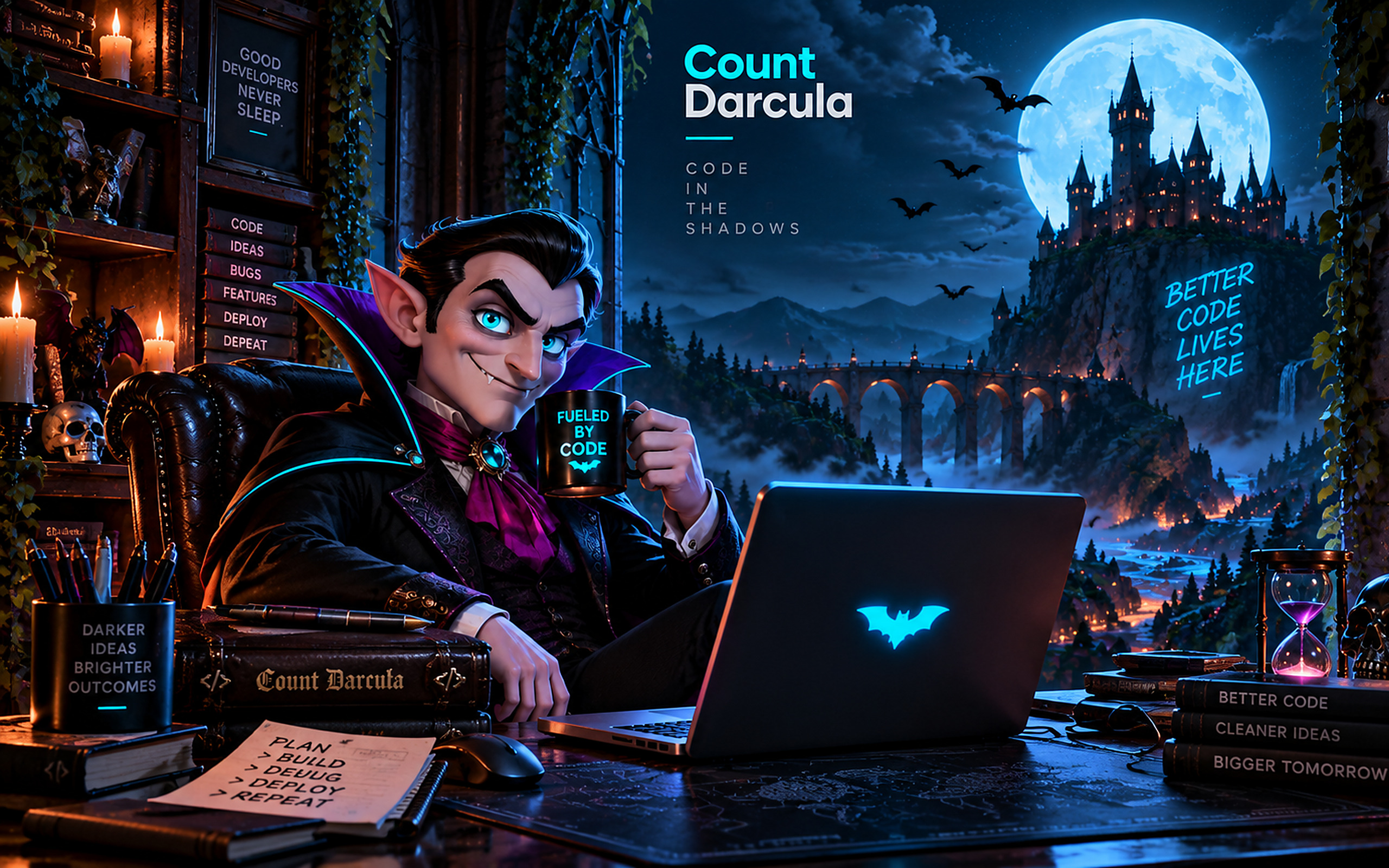
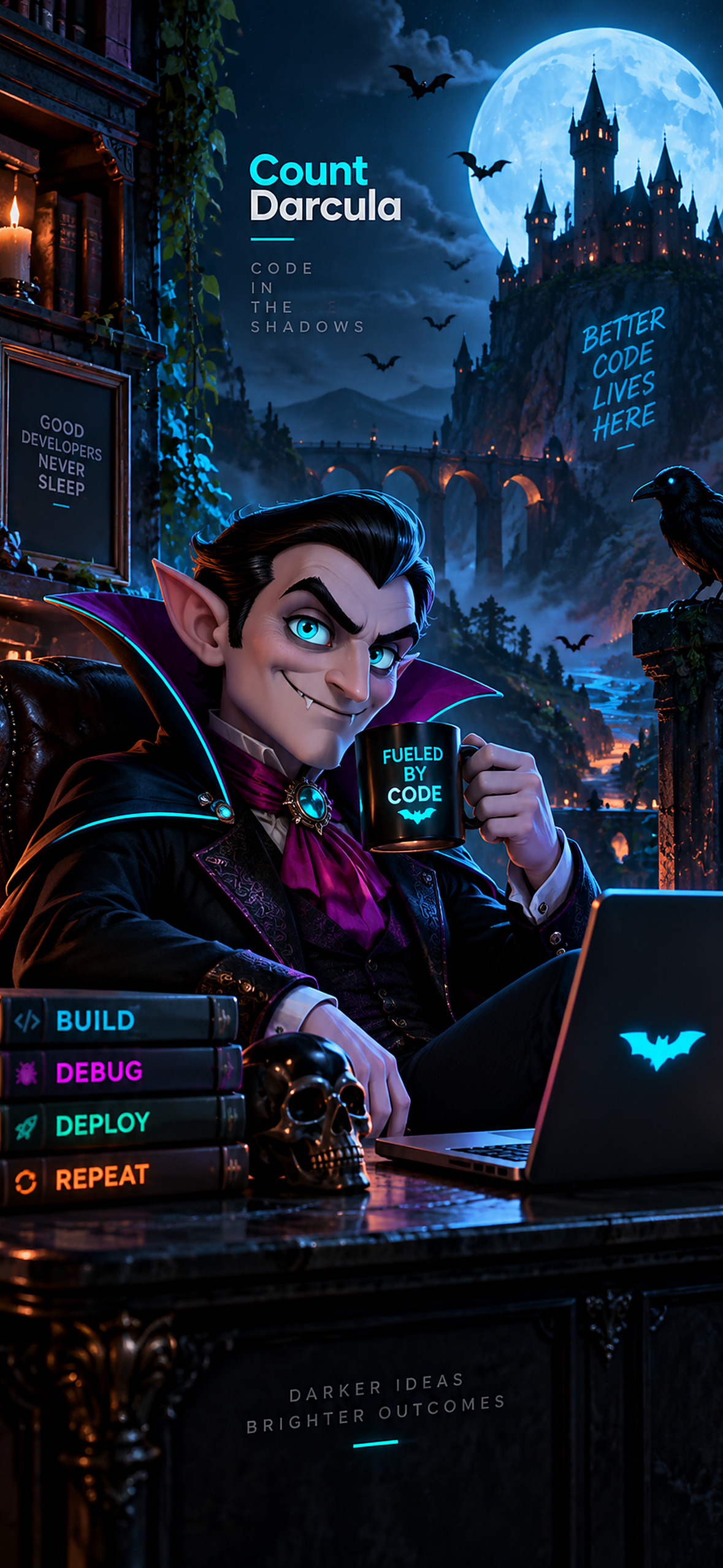
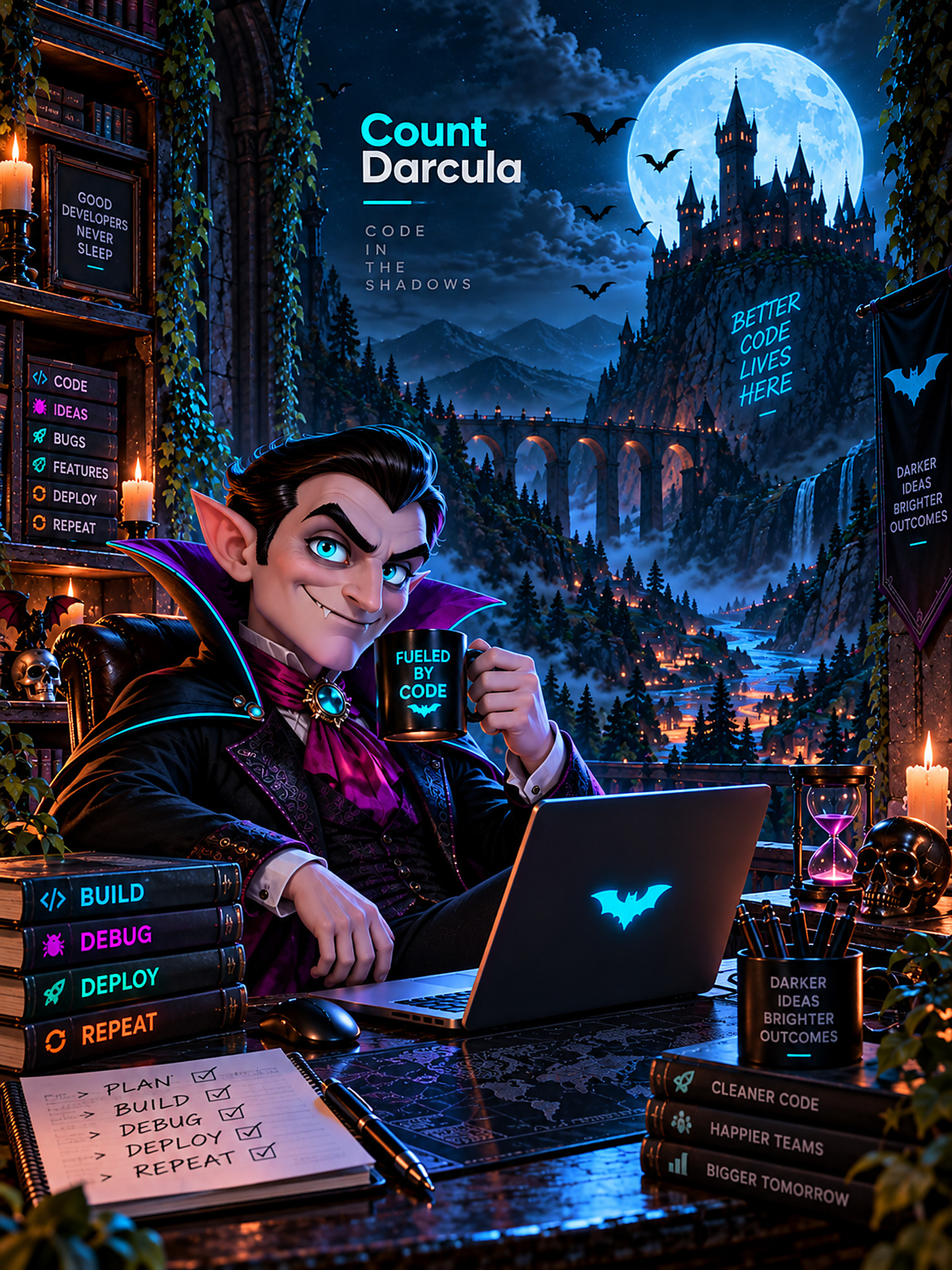
Three wallpapers for the desk around your editor — the Count at his own, a mug of something stronger than coffee, and a castle that has clearly never seen a light theme. Free for personal and commercial use.
JPEG, quality 92 at 4:4:4 chroma so the lettering in the artwork stays crisp. The 4K files are upscaled from 1672px artwork rather than rendered at 4K — still cleaner at 1:1 than the bicubic your OS would apply to a smaller file, but there is no extra detail in them. Free to use as a wallpaper, personal or commercial; not for resale as stock artwork.